Key takeaways
- The best budgeting app is the one that fits how you handle money and that you'll still open in three months.
- An app that drafts your budget from real past spending beats one that hands you empty lines to fill.
- A bank connection should be read-only, and the app should never see or store your bank login.
- Check how the company makes money before you connect a bank, and look for a plain answer.
Search for “best budgeting app” and you’ll find long ranked lists, most of them written by people who earn a fee when you download something. The honest answer is less exciting: the best budgeting app is the one that fits how you actually handle money, and that you’ll still open in three months.
So instead of another ranking, here are the questions worth asking of any app. They take a few minutes to check, and they’ll tell you more than a star rating will. If you haven’t built a budget before, it may help to read how to make a budget first, so you know what you’re asking the app to do.
1. Does it build the budget for you, or hand you an empty one?
This is the single biggest difference between apps, and the one reviews mention least. Some apps open to a blank list of lines and ask you to type in what you spend on groceries, gas and everything else. It’s easy to guess low, and a few weeks later reality doesn’t match the plan.
A better start is an app that looks at your real past spending and suggests amounts from it. You still make the decisions, but you’re editing a draft that resembles your life rather than inventing numbers from memory. When you try an app, notice how long it takes to get from sign-up to a budget you’d actually use.
2. What can the app do with your money?
A budgeting app that connects to your bank should be read-only. That means it can see transactions and balances but cannot move, withdraw or transfer anything. It also should never see or store your bank username and password; reputable apps use a connection service where you log in with your bank directly. The Consumer Financial Protection Bureau has described the older approach, “screen scraping,” where you hand your banking password to a third party, as “a still common but risky practice.”1 If an app asks you to type your bank password into its own screens, that’s worth a second look.
Some apps do more than read. They move money between accounts on a schedule, or hold it for you. That can be convenient, but it’s a different level of trust, and you should know which kind you’re signing up for. Look for a plain statement of what the app can and can’t do. There’s more detail in is it safe to connect your bank to a budgeting app.
3. Does it answer “what can I spend today”?
A budget is a plan for the month. But the question you face at the checkout is smaller and more urgent: can I afford this right now? An app that only shows monthly totals leaves you to do that math in your head.
Look for a single number that accounts for your balance, the bills coming before your next payday, and what your plan still needs. If the app can’t tell you that, you’ll end up checking your bank balance instead, which is exactly the habit that makes budgets fail.
4. How does it handle credit cards and yearly bills?
These are the two places where budgets quietly break. Cards matter to most people: in the Federal Reserve’s 2025 survey of household finances, 82 percent of adults had a credit card, and 45 percent of card owners had carried a balance at least once in the prior year.2
- Credit cards. If you buy groceries on a card, the spending happens today but the cash leaves weeks later when you pay the card. A good app counts the purchase once, against the right part of your budget, and treats the card payment as a transfer rather than a second round of spending. A weak one either ignores cards or counts everything twice.
- Yearly and irregular bills. Car insurance, a membership, a card’s annual fee. An app should let you set aside a little each month for these so they don’t land as a surprise. Some call this a sinking fund; see sinking funds for annual expenses.
5. Can you share it with a partner?
If you share costs with someone, check whether the app lets two people work on one budget, whether it costs extra, and whether each person can keep some accounts private. Plenty of couples want a shared plan for rent and groceries without merging every account. More on that in how to budget as a couple.
6. Is there a manual option?
Not everyone wants to connect a bank, and not every bank connects cleanly. A good app still works if you enter a starting amount and log spending by hand. Even if you plan to connect, it’s worth knowing the app doesn’t fall apart without it. If you’re new to logging purchases yourself, how to track your spending covers simple ways to keep it up.
7. How does the company make money?
This question tells you a lot. Apps generally earn money in one of a few ways: subscriptions, ads, selling or sharing data, or referral fees for recommending financial products. None of these is secret, but you have to look.
A subscription is the simplest arrangement: you pay, and the company’s job is to make the app worth paying for. If an app is free with no paid plan, ask what it’s selling instead. Read the privacy policy for plain statements about whether your data is sold or shared with advertisers.
8. What does it cost, and what’s actually free?
“Free” ranges from a genuinely complete budget to a trial that locks the useful parts after a week. Check what the free tier includes, whether a card is required to start, what the paid plan adds, and how cancellation works. A yearly price is often lower per month, but only worth it once you know you’ll keep using the app.
A quick checklist
Use this when you’re comparing apps. You don’t need a yes on every line, but a no on the first three is worth taking seriously.
| Question | What a good answer looks like |
|---|---|
| Does it build a starting budget for you? | Suggests amounts from your real past spending |
| Can it move your money? | Read-only; it never sees your bank login |
| Can it tell you what’s safe to spend today? | One number that accounts for upcoming bills |
| Does it handle credit cards? | Counts a purchase once; card payment is a transfer |
| Does it plan for yearly bills? | Lets you set aside a little each month |
| Can you share it? | Two people on one budget; private accounts stay private |
| Does it work without a bank connection? | A real manual mode |
| How does it make money? | Clearly stated; no selling data to advertisers |
| What’s free? | A usable budget without a card or time limit |
Where Aurelo fits
We make Aurelo, so take this section with that in mind. Here’s where we think it fits, and where it doesn’t.
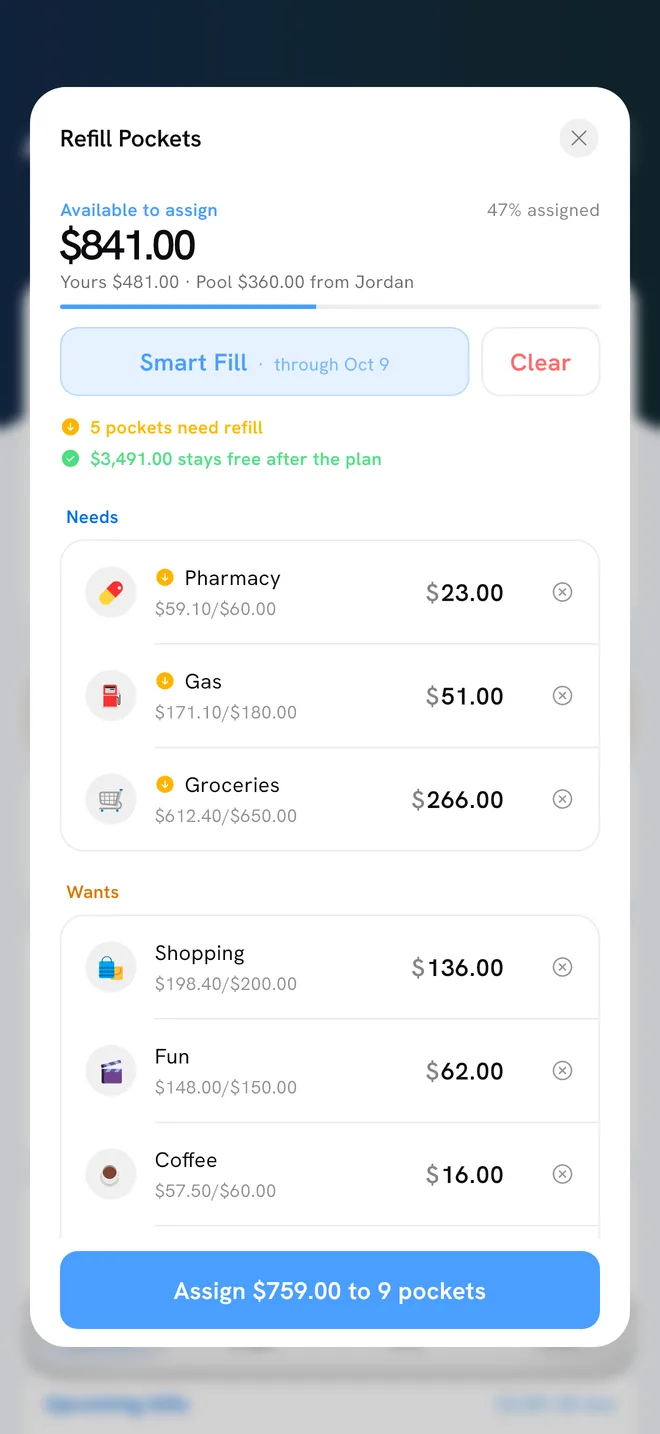
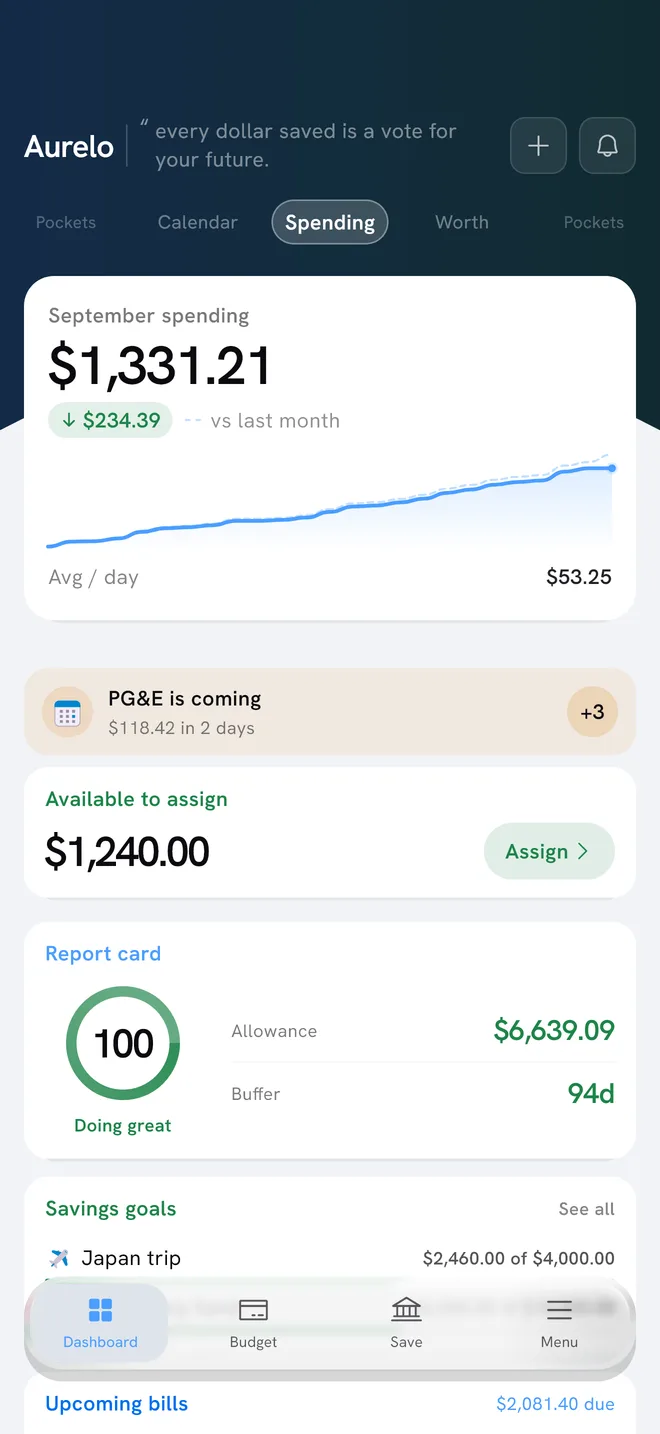
Aurelo is built around the first four questions. It reads your last six months of transactions through a read-only connection and suggests a full set of pockets, usually in about a minute. It gives you a daily number, Today’s Allowance, that subtracts the bills due before your next payday. It sets aside money for credit card purchases as you make them, so the payment is covered when it’s due, and it has Annual Pockets for yearly bills. How Aurelo builds your budget walks through that first draft in more detail.
In Aurelo: The connection is read-only through Plaid. Aurelo can read transactions and balances but can’t move money, and it never sees your bank login. It earns money from an optional subscription, and it doesn’t sell your data or share it with advertisers.
Sharing is free: on the Free plan you can invite one other person to a budget, and each of you chooses which accounts feed it. There’s a manual path if you’d rather not connect a bank at all. The Free plan has no time limit and doesn’t ask for a card.
Who Aurelo is not for
- People who want investment tracking. Aurelo is a budgeting app. It doesn’t track portfolios or give investment guidance.
- People who want an app to move their money automatically. Aurelo shows you what you can save, and you move it yourself in your own bank. If you want automatic transfers, you’ll need something else.
- People on Android, for now. During the open beta, Aurelo is iPhone only.
If those don’t rule it out, it’s free to try during the beta. And whatever you choose, the checklist above works for any app.
Common questions
What is the best budgeting app in 2026?
The best one is the one you will still open in three months. Look for an app that builds a starting budget from your real spending, tells you what you can spend today, handles credit cards and yearly bills properly, and is clear about how it makes money.
Which budgeting app should I use if I have never budgeted before?
Pick one that does the setup for you. A blank screen full of empty lines is where most first budgets stall, so an app that suggests amounts from your past spending gives you something to adjust instead of something to invent.
Is a free budgeting app good enough?
Often, yes. Check exactly what the free plan includes and how the company pays its bills. If a free app earns money from ads or by selling data, you are part of the product, and that is worth knowing before you connect a bank.
Do I need a budgeting app that connects to my bank?
No, but it saves a lot of typing. A read-only connection pulls in transactions automatically. If you would rather not connect, choose an app with a solid manual mode so you can log spending by hand.
Sources
- CFPB Finalizes Personal Financial Data Rights Rule to Boost Competition, Protect Privacy, and Give Families More Choice in Financial Services , Consumer Financial Protection Bureau, 2024
- Economic Well-Being of U.S. Households in 2025: Credit , Federal Reserve Board, 2026
Written by the Aurelo team. We build Aurelo, a budgeting app that reads your accounts read-only and never moves your money. Every claim about the app is checked against the app itself, and every figure links to its source. This is general education, not financial, tax or legal advice.